Why Spreadsheets Are Not Enough to Track Construction Costs
I used to think construction cost tracking was simple. You set up a spreadsheet, input the BOQ items, track costs against estimates, and you’re good to go. Why spend on construction management software when Excel does the job for free? That’s what I believed. And honestly, for a while, it worked just fine.
But then I saw it fail. Badly.
The Turning Point: A ₹50 Crore Project Gone Sideways
A few years ago, I was consulting for a mid-sized contractor in Pune. They were running a ₹50 crore MEP (Mechanical, Electrical, Plumbing) project for a high-rise residential building. The project started well enough. The BOQ was locked, the estimates were clear, and the site engineers had their budgets.
Three months in, cracks began to show. Material costs were ballooning. Subcontractor bills didn’t match the progress on-site. Equipment rented for one activity was being idled on another. By the time the finance team realized what was happening, the margins were obliterated. The project ended up losing ₹2 crore.
Why? Because their “cost tracking system” was a maze of disconnected spreadsheets, emails, and WhatsApp messages. Critical data was delayed, fragmented, or outright missing. They relied on manual updates that no one had time to double-check. And when something went wrong, it snowballed.
Key Lessons from This Experience
- Real-Time Data is Critical: Delayed data leads to delayed decisions, which can amplify small mistakes into large losses.
- Manual Processes Invite Errors: Human error is inevitable when you’re handling large datasets with no built-in checks.
- Disconnected Systems Create Silos: Spreadsheets, emails, and ad hoc tools don’t communicate with one another, leading to a lack of visibility and control.
Why My Spreadsheet Belief Held Up for So Long
Looking back, I understand why I clung to spreadsheets. They’re cheap, easy to use, and flexible. For smaller projects or firms with just a handful of jobs, they’re often enough. But as soon as you scale—more jobs, more people, more moving parts—they collapse under their own weight.
Why Spreadsheets Work for Small Projects
- Cost-Effective: Spreadsheets don’t require any upfront investment.
- Familiarity: Almost everyone knows how to use Excel or Google Sheets.
- Customizable: You can create custom formulas and layouts without needing advanced software.
However, these advantages start to fade as the complexity of your operations grows.
Weaknesses of Spreadsheets for Cost Tracking
- Limited Scalability: Spreadsheets struggle to handle large datasets or projects with multiple stakeholders.
- No Real-time Updates: You’re always working with outdated information unless someone manually updates the file.
- Error-Prone: A single incorrect formula or a typo can throw off your entire budget.
- No Automation: Tasks like tracking progress payments or monitoring equipment usage require manual effort, which is slow and prone to mistakes.
- Lack of Integration: Spreadsheets can’t automatically pull data from other systems, like procurement or billing platforms.
In short, spreadsheets are passive. Construction projects are not.
What JobNext Does Differently
JobNext is the kind of tool I wish we’d had on that Pune project. It’s not just a repository for data; it’s a proactive partner in cost management. Here’s a concrete example: billing methods.
Comprehensive Billing Methods
Construction billing isn’t one-size-fits-all. You’ve got:
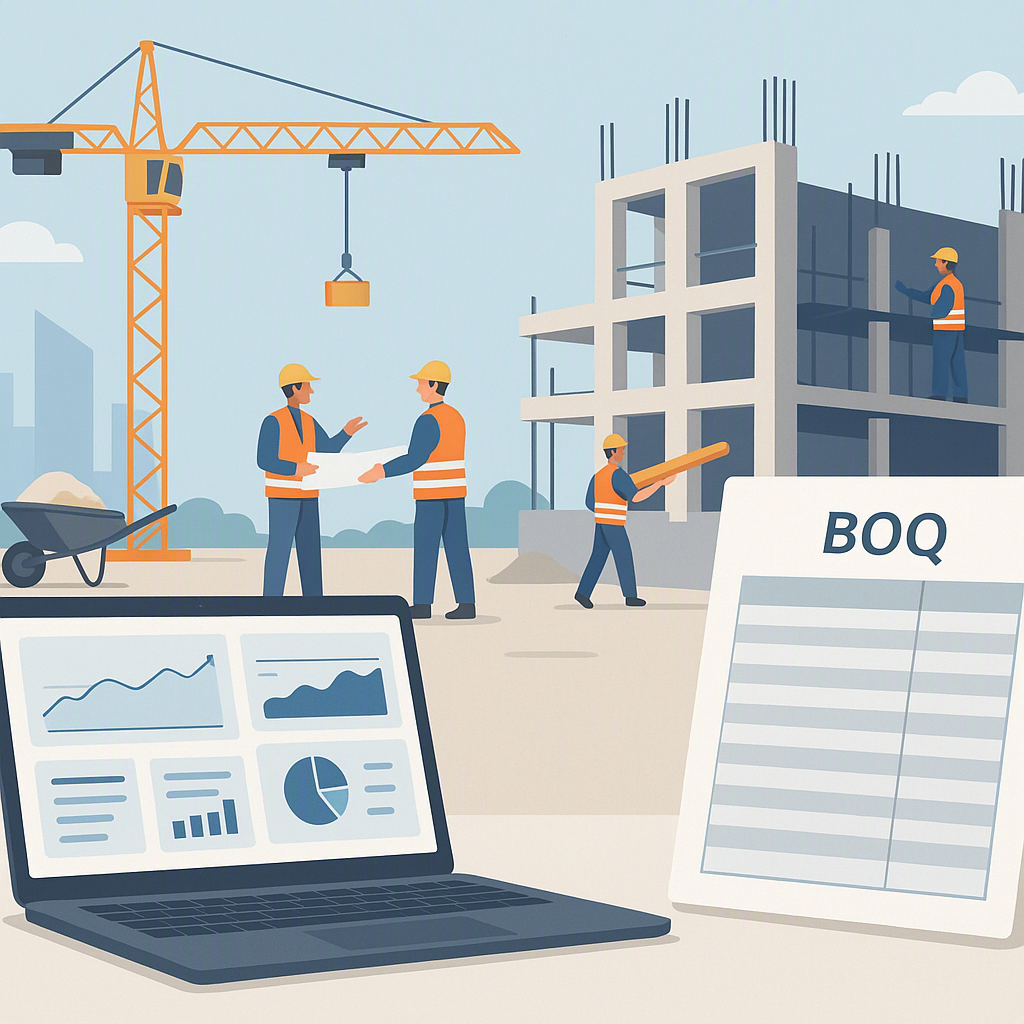
- RA Bills: Require precise tracking of completed measurements against the BOQ.
- Stage-Wise Payments: Often tied to project milestones.
- Monthly Billing: Requires consolidation of all work done in a given period.
- Supply BOQ Billing: Involves tracking materials separately from labor costs.
Each method has its own nuances. For instance, RA bills require precise tracking of completed measurements against the BOQ. Miss a line item here, and you’re leaving money on the table. Overbill, and you risk disputes with the client.
JobNext handles this seamlessly. It supports six different billing methods, each with built-in checks to ensure nothing falls through the cracks. It connects directly to the BOQ, so you can see exactly what’s completed, what’s billed, and what’s outstanding. No manual reconciliation. No missing margins.
End-to-End Cost Tracking
JobNext integrates cost tracking across the entire project lifecycle:
- Procurement: Automates the process from Material Requests (MR) to Purchase Orders (PO).
- Subcontractor Management: Tracks Work Requests (WR), Requests for Proposals (RFP), Work Orders (WO), and completed measurements.
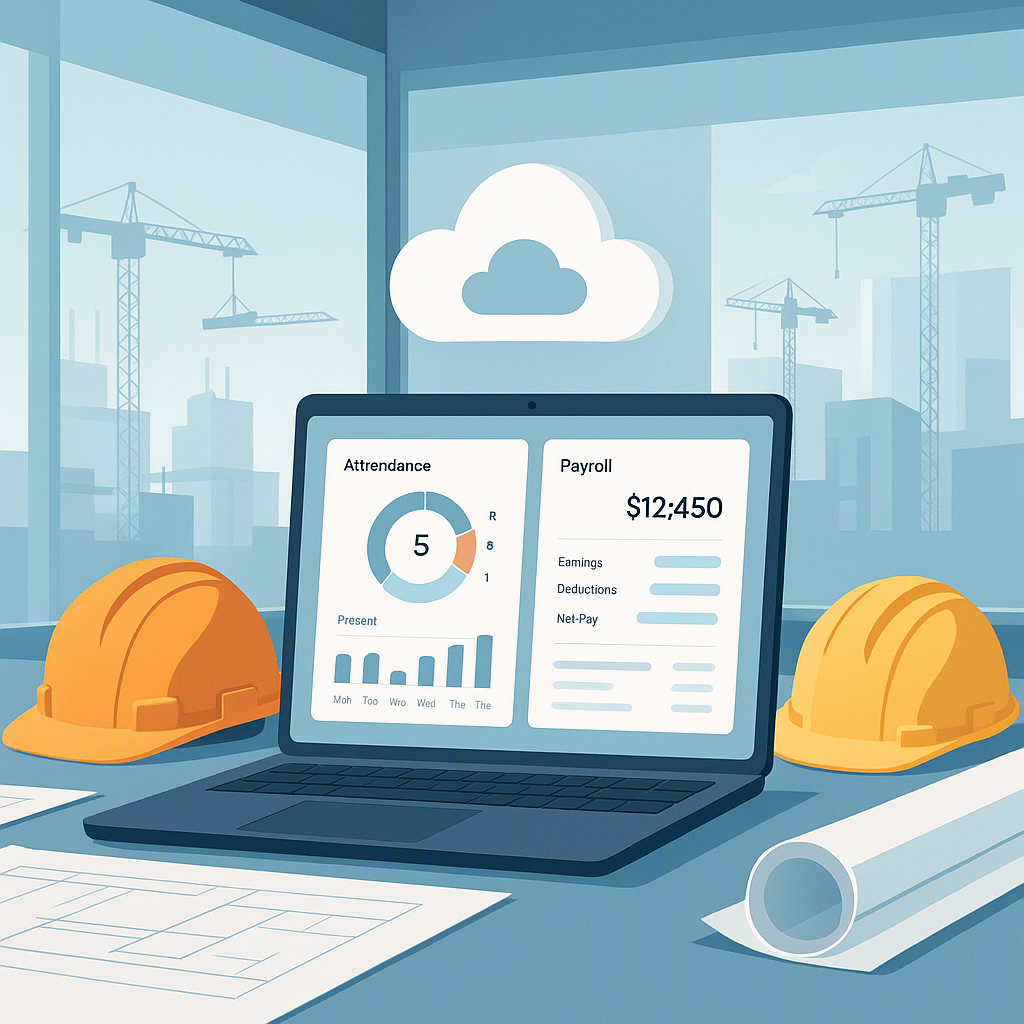
- Real-Time Dashboards: Provides a clear view of project profitability, so you can act before it’s too late.
Actionable Benefits of Using JobNext
- Accuracy: Built-in checks minimize errors and discrepancies.
- Efficiency: Automation reduces the time spent on manual updates.
- Visibility: Real-time data keeps everyone on the same page.
- Proactive Alerts: Flags issues like over-budget items or under-utilized equipment before they become critical problems.
What I Do Differently Now
These days, my advice to contractors is simple: If you’re running more than two projects at a time, you need a dedicated construction management software. Not a generic ERP. Not a bunch of spreadsheets. A tool like JobNext that’s built for how contractors actually work.
Steps to Transition from Spreadsheets to Software
- Audit Your Current System: Identify the gaps and inefficiencies in your current process.
- Choose the Right Tool: Look for software that integrates seamlessly with your workflows and supports industry-specific features.
- Train Your Team: Invest in training to ensure everyone understands how to use the new system.
- Start Small: Begin with a pilot project to test the software before rolling it out company-wide.
- Monitor and Optimize: Use the software’s analytics to identify areas for improvement.
Why Real-Time Tracking Matters
The faster you identify a problem, the cheaper it is to fix. Waiting for the month-end financials to spot a budget overrun is like steering a ship with a two-week delay. By the time you turn the wheel, you’re already off course.
Comparison Table: Spreadsheets vs. JobNext
| Feature | Spreadsheets | JobNext |
|---|---|---|
| Cost | Free | Varies (based on features) |
| Real-Time Updates | ❌ | ✅ |
| Error Prevention | ❌ | ✅ Built-in checks |
| Integration | ❌ | ✅ Connects procurement, billing, etc. |
| Scalability | Limited | High |
| Automation | ❌ | ✅ Automated workflows |
| Ease of Use for Teams | Moderate | High (with training) |
Want to see how JobNext can help you track costs, manage billing, and protect your margins? Learn more and get started today →
Learn more at JobNext.ai - Construction ERP