What I Used to Think
CRM software? For contractors? Honestly, I used to dismiss the idea altogether. In my view, CRM was for sales teams at tech companies, not for construction firms juggling BOQs, tenders, and subcontractor headaches. If you’d asked me back then, I’d have said, "Contractors need project management tools, not sales software. CRM is overkill." It sounded like a nice-to-have, not a must-have.
And I wasn’t alone. Most contractors I spoke with felt the same. Their focus was on execution—pouring concrete, laying pipes, or installing HVAC systems—not on maintaining fancy dashboards for tracking leads. Why would anyone bother with a system that’s primarily about logging customer details and follow-up dates?
The Thing That Changed It
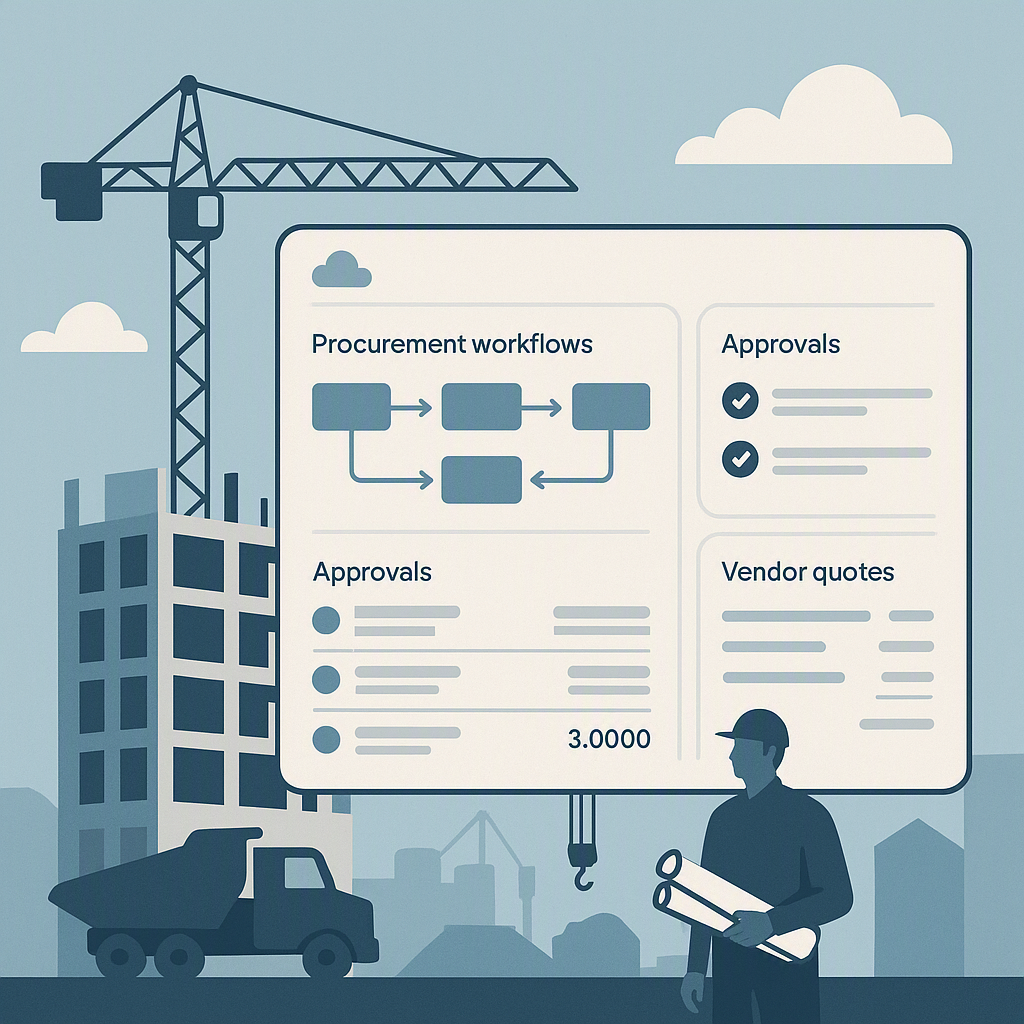
It was June 2025 when I first saw a contractor’s CRM dashboard in action. A mid-size mechanical contractor in Oman showed me how they used JobNext’s preconstruction module to manage their entire business development pipeline. They had 4 stages on their Kanban board: Lead, Meeting, Proposal, Converted. Next to each deal were key metrics: deal size, probability, expected close date. What floored me was the clarity. Instead of manually juggling Excel sheets and WhatsApp threads, they had a single screen showing exactly where their ₹20 crore pipeline stood.
But what really hit me was this: they weren’t just tracking deals. They were actively managing margins before the first brick was laid. By enforcing rate schedules and standardizing BOQs during the quoting phase, they avoided inconsistent pricing that would have eaten into their profits later. Their win rate had jumped by 12% after implementing JobNext’s CRM module, and their average project margin improved by 8%. JobNext.ai Blog: Unlock 8% More Profit: Cloud ERP Secrets for 2026
Why CRM Matters in Contracting
For contractors, preconstruction often feels like the wild west. Leads come in from phone calls, emails, personal referrals, or even during a random site visit. Managing these leads is often an ad hoc process—one that relies on memory, sticky notes, or cobbled-together spreadsheets. Add to that the complexity of preparing tenders, managing rate schedules, and creating accurate BOQs, and you can see where things start to unravel.
CRM tools solve this by centralizing your information. Instead of scattered data, you have a single source of truth for your entire preconstruction process. A CRM doesn’t just show you where your leads are; it helps you take actionable steps to move them through your pipeline, ensuring fewer opportunities fall through the cracks.
The Cost of Neglecting Preconstruction Management
The truth is, most contractors don’t realize how much they’re bleeding at the preconstruction stage. An over-discounted quote here, a missed follow-up there, and suddenly you’re working harder to win fewer jobs. And when you finally land a contract, it might be priced so poorly that it’s impossible to make a decent margin.
According to the Global Contractor Management Software Market, the construction industry operates on razor-thin margins, averaging just 2-7%. When margins are that tight, even small inefficiencies can have a massive impact. For instance, imagine submitting a competitive tender but forgetting to factor in fluctuations in material costs. That oversight can turn what should have been a profitable project into a financial disaster.
Concrete Steps to Implement CRM for Contractors
If you’re considering CRM software for your contracting business, here’s how you can make the most of it. Each step is practical and designed to help you avoid common pitfalls:
-
Map Out Your Preconstruction Workflow:
- Start by identifying the key stages your business goes through, from lead generation to contract signing.
- Use simple tools like pen and paper or a whiteboard to sketch out your steps. Examples: Lead, Meeting, Proposal, Negotiation, Contract Signed.
- Identify bottlenecks where leads are commonly lost or delayed. For instance, are you following up with leads quickly enough? Do you have a system for tracking whether proposals have been sent?
-
Standardize Your Quoting Process:
- Use CRM tools to create templates for BOQs (Bills of Quantities) and enforce rate schedules.
- Double-check that your quotes factor in all variables: labor, materials, contingencies, and overheads.
- Many CRM systems allow you to attach notes and documents to each lead or project, so you can easily reference past quotes and avoid inconsistencies.
-
Leverage Reporting Features:
- CRM dashboards can give you a bird’s-eye view of your business. Look for metrics like pipeline value, win rate, and average deal size.
- Set up automated reminders for key follow-up actions, such as checking in on pending proposals or renewing pre-qualification documents.
- Use these insights to prioritize high-value clients and tenders that give you the best chance of success.
-
Integrate with Existing Tools:
- Many CRM platforms integrate seamlessly with accounting software like Tally, payment gateways like Razorpay-X, or even project management tools.
- This eliminates data silos and ensures smooth transitions from preconstruction to execution.
- For example, integrating with your accounting software can help you track which clients have outstanding payments or ensure your quotes align with your financial projections.
-
Train Your Team:
- CRM won’t work if your team doesn’t use it. Dedicate time to training and ensure everyone understands the value it brings.
- Use the training resources provided by your CRM vendor. Many platforms like JobNext offer step-by-step tutorials, videos, and live support to help your team get up to speed.
- Encourage adoption by showing your team how the tool will make their jobs easier in the long run. For example, automated follow-ups can reduce the time spent on repetitive tasks.
Why the Old Belief Survived
Looking back, I can see why my old belief lasted so long. For years, the industry’s focus has been on the execution phase—managing materials, tracking costs, and avoiding subcontractor overruns. These are obvious pain points that scream for attention. Preconstruction workflows, on the other hand, often felt abstract or secondary. If the job was won, the assumption was that the real work began.
Here’s the problem with that thinking: it ignores the fact that margin erosion often starts before the job begins. An over-discounted quote, a missed follow-up with a high-value client, or an unstructured tender process can cost contractors millions over time. But you don’t feel the pinch immediately—it shows up months later when you’re struggling to make the job profitable.
Plus, CRM software had a branding problem. It was marketed as a "sales tool" for closing deals fast. Contractors don’t think in terms of "closing deals"; they think in terms of "winning jobs." The language mismatch didn’t help.
CRM vs Project Management Tools
It’s important to distinguish between CRM and traditional project management tools. Each serves a unique purpose, and understanding the difference can help you make better decisions for your business. Below is a comparison:
| Feature | CRM Software | Project Management Tools |
|---|---|---|
| Focus | Preconstruction (leads, quotes) | Execution (tasks, timelines) |
| Pipeline Tracking | Yes | No |
| Margin Management | Yes | Limited |
| Tender Analysis | Yes | No |
| Subcontractor Management | Limited | Yes |
| Integration with Accounting | Yes | Sometimes |
CRM is all about optimizing the front end of your business—the part where tenders are won, leads are converted, and pricing is finalized. Project management tools, on the other hand, focus on delivering the job once it’s underway.
What I Do Differently Now
Now, when I talk to contractors about software, I always ask about their preconstruction process first. How are they managing leads, enquiries, quotes, and tenders? Are they tracking pipeline health? Do they have visibility into win rates or conversion ratios? If not, we start there.
I’ve seen the impact of tools like JobNext’s CRM module. Its ability to auto-convert prospects into projects—turning enquiries into jobs and quotes into contracts—is a game changer for contractors trying to streamline their operations. It also addresses compliance gaps, like tracking bank guarantees and prequalification records for vendors. JobNext.ai Blog: Stop Losing 8% Margins: Proven SaaS ERP Solutions
But the biggest change is my mindset. CRM isn’t a luxury—it’s foundational. If you’re not managing your pipeline efficiently, you’re leaving money on the table. And for contractors operating on razor-thin margins (2-7% on average), that’s money they can’t afford to lose. Source: Global Contractor Management Software Market
If you're dealing with margin erosion or inefficiencies in your preconstruction process, JobNext can help. Get started free →
Learn more at JobNext.ai - Construction ERP