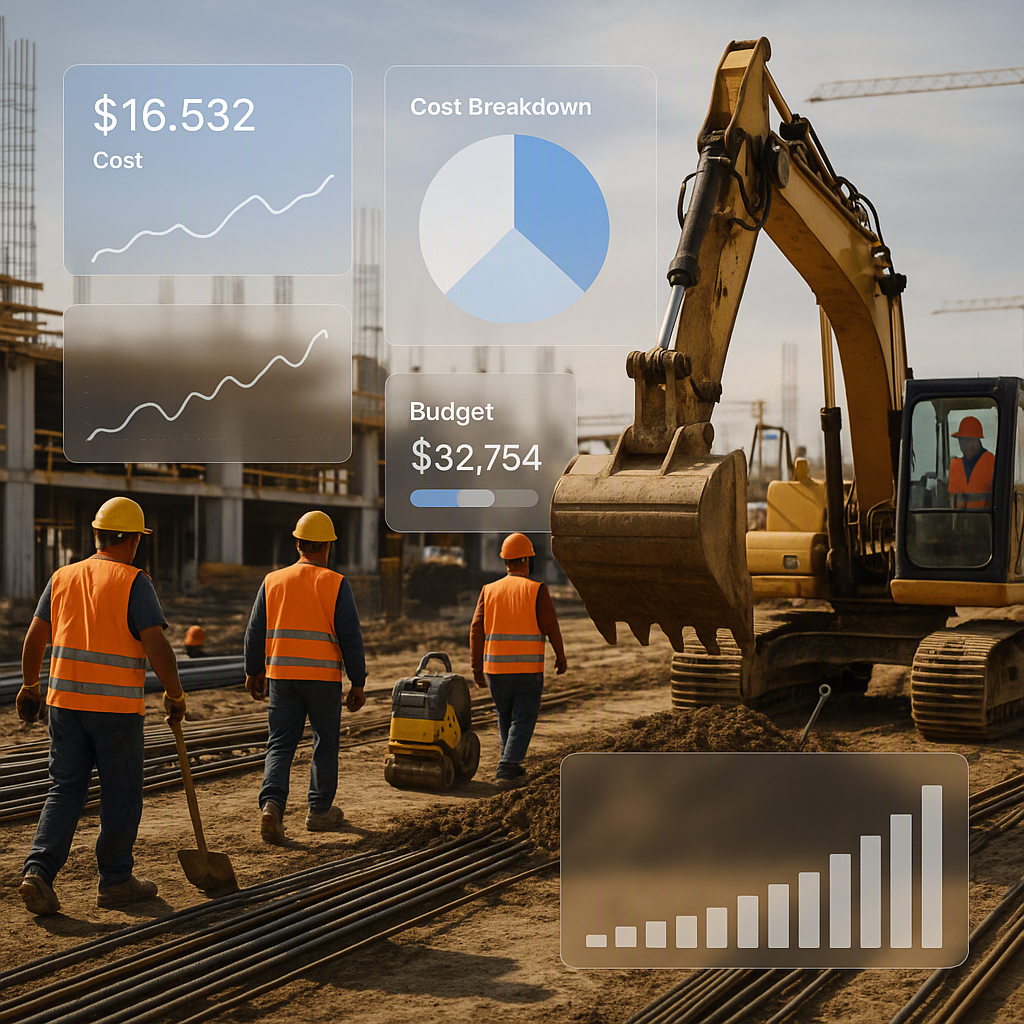
The Hidden Costs of Manual Cost Tracking
For years, many businesses relied on spreadsheets to manage project costs. They’re flexible, familiar, and seemingly cost-effective. However, this approach often leads to hidden inefficiencies and errors that can cripple project profitability.
When businesses depend on manual cost tracking methods, they often encounter issues like uncontrolled material orders, unchecked subcontractor payments, and budget overruns that only surface once it’s too late to mitigate them. Projects that start with strong margins frequently end in disappointment because the tools used to track costs are reactive rather than proactive.
The High Stakes of Budget Mismanagement
This issue is widespread. According to a 2023 McKinsey report, a significant percentage of construction projects go over budget. The primary reason? Traditional cost tracking methods fail to provide early visibility into where budgets are being eroded.
Let’s break this down:
1. Material Overruns
Without real-time tracking, procurement teams may overspend on materials, either due to inaccurate estimates or last-minute changes. For example, if a project requires additional materials due to design changes, manual systems often fail to account for these costs until it’s too late.
Actionable Step: Implement a procurement tracking tool that integrates directly with your project budget. This ensures all material purchases are logged and matched to their corresponding budget allocations.
2. Subcontractor Overpayments
A lack of centralized oversight can result in duplicate or inflated payments to subcontractors. Manual systems make it difficult to track and validate invoices against the agreed-upon contracts, especially when multiple subcontractors are involved.
Actionable Step: Use a software solution that provides automated invoice validation and payment authorization workflows to prevent errors and fraud.
3. Labor Costs
Labor costs can spiral out of control when tracked manually. Without a centralized system, it’s challenging to analyze labor hours across multiple teams, identify inefficiencies, or enforce accountability.
Actionable Step: Adopt workforce management software integrated with real-time cost tracking. This allows you to monitor team productivity and labor costs in one place.
In short, traditional systems leave businesses reacting to problems instead of preventing them. Reactive cost tracking often results in missed opportunities to course-correct before budget overruns occur.
Why Real-Time Cost Tracking Is a Game-Changer
Real-time cost tracking shifts the paradigm by offering proactive cost management. With the help of enterprise software solutions—particularly SaaS-based ERP systems tailored to specific industries—businesses can enforce budgets, reduce inefficiencies, and protect their margins.
How Does Real-Time Cost Tracking Work?
Real-time systems integrate with your workflows to automatically log costs, match them to budget categories, and flag discrepancies as they occur. Here’s how:
1. Track Costs Against BOQs and Scopes in Real Time
Real-time tracking tools categorize every expense into predefined budget line items. For example, material purchases, subcontractor payments, and labor hours are tracked against the project’s Bill of Quantities (BOQ) or scope of work. This creates immediate visibility into whether spending aligns with project plans.
Actionable Step: Ensure your cost tracking system integrates seamlessly with your BOQs and scopes. This eliminates guesswork and provides clarity on budget allocations.
2. Identify Margin Erosion Early
Real-time dashboards provide instant visibility into actual vs. planned costs, highlighting areas where budgets are being exceeded. Alerts notify stakeholders when thresholds are crossed, enabling immediate intervention.
Actionable Step: Configure alerts for specific budget categories to ensure timely notifications about overspending. For example, set up alerts for subcontractor payments exceeding 90% of allocated budgets.
3. Enforce Budget Discipline
Approval workflows ensure every expense is vetted against the budget before it’s approved. This minimizes unauthorized spending and eliminates surprise costs.
Actionable Step: Use role-based permissions within your software to ensure only authorized personnel can approve expenses. Conduct regular audits to verify compliance.
4. Centralize Data Across Teams
Real-time cost tracking eliminates data silos by centralizing information across procurement, finance, and project management teams. Everyone works off the same dataset, reducing miscommunication and errors.
Actionable Step: Conduct regular cross-department reviews of the centralized cost data to identify trends and opportunities for improvement. Use visualization tools to make complex data easier to understand for all stakeholders.
Why Spreadsheets Fall Short
Spreadsheets are versatile and familiar, but they’re fundamentally limited in their ability to track costs effectively for complex projects.
Key Limitations of Spreadsheets
-
Human Error
- A single error in a formula or data entry can cascade across the entire budget, leading to costly mistakes.
-
No Real-Time Updates
- Spreadsheets rely on manual input, meaning the data is often outdated or inaccurate.
-
Lack of Accountability
- Changes can be made without a clear audit trail, making it impossible to track who modified the data or why.
-
Scalability Issues
- As projects grow in complexity, spreadsheets become harder to manage and prone to performance issues.
Comparison: Spreadsheets vs. Enterprise Software
| Feature | Spreadsheets | Enterprise Software |
|---|---|---|
| Real-Time Updates | No | Yes |
| Error Prevention | High risk of human error | Automated checks reduce errors |
| Audit Trails | Limited or non-existent | Comprehensive |
| Scalability | Challenging for large projects | Designed to scale |
| Collaboration | Siloed, prone to miscommunication | Centralized data for all teams |
The Benefits of Enterprise Software
Enterprise software solutions provide more than just accurate cost tracking. They transform how businesses manage projects by automating workflows and enabling better decision-making.
Key Benefits
-
Improved Efficiency
- Automation reduces manual data entry and frees up time for strategic tasks.
-
Better Decision-Making
- Real-time data ensures managers have actionable insights to make timely adjustments.
-
Scalability
- As projects grow, enterprise software can handle increasing complexity and scale seamlessly.
-
Enhanced Collaboration
- Centralized data eliminates silos and ensures alignment across all teams, improving communication and transparency.
-
Cost Savings
- Preventing budget overruns and inefficiencies translates to significant cost savings over time.
Challenges and Considerations
While the benefits of enterprise software are clear, implementation can be challenging:
-
Standardization Across Teams
- Different departments may have conflicting workflows, requiring effort to standardize processes.
-
Stakeholder Buy-In
- Resistance to change is common. Education and training are essential to get everyone on board.
-
Initial Costs
- The upfront investment in software implementation can be a barrier for smaller businesses.
Tip: Start small with a pilot program, such as cost tracking, and expand later. This allows teams to get comfortable with the system before scaling.
The Bottom Line
Relying on spreadsheets for cost tracking is a risky approach that often results in inefficiencies and margin erosion. Enterprise software solutions provide a proactive way to manage costs, enforce budget discipline, and improve efficiency. By adopting these tools, businesses can protect their margins, improve collaboration, and set themselves up for long-term success.
Learn more about how enterprise software can transform your business →
Learn more at JobNext.ai - Construction ERP