Why Project Overruns Feel Inevitable (But Don’t Have to Be)
I used to believe that project overruns were inevitable in the construction business. Costs spiral, delays happen, and clients always want more than they’re willing to pay for. If you’re in the trenches of managing construction projects, you’ve probably made peace with the idea that hitting budgets is a rare achievement. I thought the same.
But then, a project I worked on in 2024 changed my perspective entirely. It was a mid-sized MEP (Mechanical, Electrical, Plumbing) project in Mumbai. At first, it seemed straightforward. We had a detailed BOQ, a clear contract with the client, and a confident team. Yet, four months into the project, we were already bleeding money. The BOQ costs were off. Subcontractor payments were being made without proper measurement approvals. And procurement? A nightmare. Materials were purchased without checking the approved budget, and the project’s profitability was vanishing before our eyes.
So, what changed? We brought on enterprise software. I’m not here to sell software, but I am going to tell you what we did with it that turned things around.
The Turning Point: Real-Time Cost Tracking
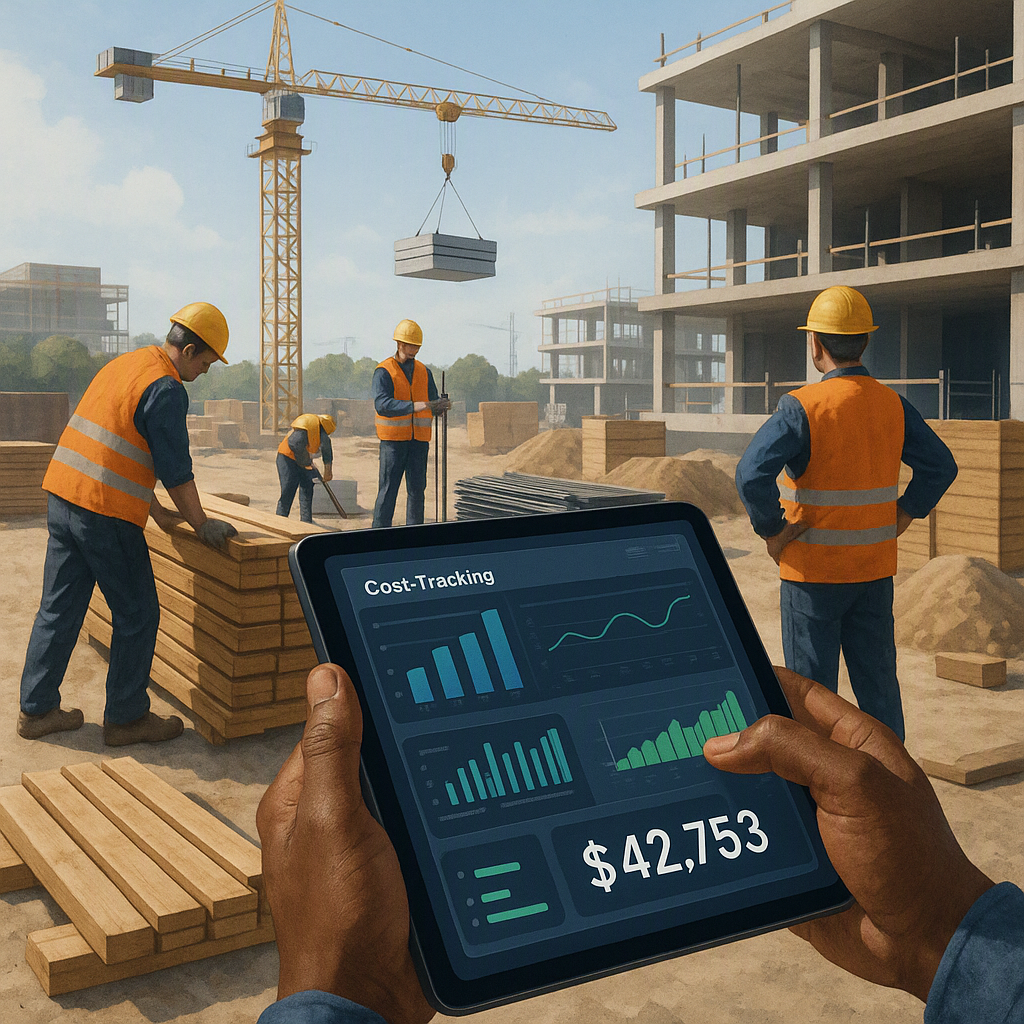
The first thing we did was implement real-time cost tracking. This wasn’t just about dumping numbers into a system and hoping for the best. It was about getting granular visibility into how every rupee was being spent.
How Real-Time Cost Tracking Works
Here’s how we used the software to achieve this:
- BOQ Integration: The detailed Bill of Quantities (BOQ) was digitized and integrated into the system. This acted as the foundational benchmark for all cost comparisons.
- Approval Workflows: Every material purchase request had to go through an approval workflow that checked it against the budget. If it didn’t align, it didn’t get approved. Simple as that.
- Subcontractor Payment Control: We tied every subcontractor bill to certified work progress measurements before approving payments. This stopped us from overpaying on incomplete or undocumented work—a problem that had previously cost us significantly.
- Procurement Oversight: Material procurement was centralized and coordinated through the system. Any request had to meet predefined parameters such as budget alignment, lead time, and supplier reliability before being approved.
Why Real-Time Matters
Before real-time tracking, we were always looking at retrospective data—what we spent last month, or the month before. By the time issues surfaced, the damage was already done. Real-time dashboards allowed us to pivot instantly. For example, if material costs were trending above budget, we could renegotiate with vendors or identify areas to cut costs elsewhere.
Tools and Features to Look For
Not all enterprise software is created equal. When evaluating tools, prioritize features like:
- Integration with BOQ and Planning Systems: Ensure the software can import and align with your project planning documents.
- Granular Permission Controls: Different approval workflows for different roles prevent unauthorized spending.
- Automated Alerts: Notifications for budget overruns, delayed approvals, and unapproved expenses keep you on top of potential problems.
Why Didn’t I See This Sooner?
Looking back, I can see why I clung to the idea that overruns were unavoidable. For one, it was what everyone around me believed. It’s hard to challenge an assumption when it’s baked into your industry’s culture.
Second, we didn’t have the right tools before. We were juggling Excel sheets, WhatsApp messages, and manual approvals. Disconnected systems make it nearly impossible to see the big picture. You’re always reacting to problems instead of preventing them.
Third, I underestimated how much small inefficiencies add up. A delayed approval here, a miscalculated bill there—they snowball. By the time you notice, it’s too late.
The Cost of Manual Processes
Using spreadsheets and email for project cost management often leads to:
- Version Confusion: Multiple team members might make edits without a single source of truth.
- Delayed Approvals: Emails get buried, and approvals take days instead of hours.
- Lack of Real-Time Data: By the time reports are consolidated, the project might already be off track.
What I Do Differently Now
Now, every project starts with a clear cost tracking strategy. Here’s what that looks like:
1. BOQ-Based Cost Control
Every line item has a budget that’s locked in the system. No changes are made without proper approvals. This ensures that every decision aligns with the original cost estimates.
Actionable Step: Use tools that allow you to lock BOQ line items and track changes. If changes are necessary (e.g., due to client requests), ensure they go through a formal change order process.
2. Approval Workflows
Material requisitions, subcontractor work orders, and bills all go through multi-level approvals. The software’s structure makes this easy to set up and enforce.
Actionable Step: Define roles and permissions clearly. For example:
- Site engineers approve material requests.
- Project managers approve work orders.
- Finance teams approve payments.
3. Real-Time Dashboards
I don’t wait for month-end reports anymore. The finance controller and I check dashboards weekly. If something’s off, we address it immediately.
Actionable Step: Set up automated weekly summary emails or dashboard alerts to flag significant deviations from your budget.
4. Vendor and Subcontractor Tracking
We tie every payment to documented work progress. No exceptions. Measurement-based progress tracking has become a non-negotiable part of our process.
Actionable Step: Use a standardized measurement sheet format across all projects. Ensure that progress reports are signed off by both the site engineer and the subcontractor.
What It Cost Me to Be Wrong
Believing overruns were normal cost me more than just money. It cost me trust—from clients, from my team, and from my own confidence in my ability to manage projects.
But here’s the thing: I’m still not sure I’ve got it all figured out. Real-time cost tracking won’t solve everything. Clients can still throw curveballs. Materials can still skyrocket in price. And no software can make up for poor planning or bad luck. But what I do know is this: the right enterprise software makes it a lot easier to see problems coming and deal with them before they spiral. And that’s worth a lot.
FAQ
1. Is real-time cost tracking expensive to implement?
Not necessarily. While enterprise software comes with upfront costs, the savings from reduced overruns and better cost control often outweigh the investment. Many providers also offer scalable pricing based on your project size.
2. What if my team isn’t tech-savvy?
Most modern enterprise software is designed to be user-friendly. Providers often offer training sessions and support to help your team get up to speed quickly.
3. Can I use real-time cost tracking on small projects?
Absolutely. In fact, small projects often have tighter budgets, making cost control even more critical. Many systems are scalable and can be tailored to smaller projects.
4. How do I choose the right software?
Look for tools that integrate with your existing systems, offer customizable workflows, and provide robust reporting features. Get input from your team to ensure ease of use.
5. What’s the biggest challenge in adopting cost tracking software?
The biggest challenge is often cultural. Teams accustomed to manual processes may resist change. Clear communication about the benefits and proper training can help overcome this.
Decision Framework: Is Enterprise Software Right for You?
| Criteria | If Yes | If No |
|---|---|---|
| Project Size | Large or mid-sized projects with multiple vendors. | Consider simpler tools like Excel for very small projects. |
| Budget Complexity | Projects with detailed BOQs and complex cost structures. | Simpler projects with fewer cost variables may not require enterprise tools. |
| Team Structure | Distributed teams needing centralized oversight. | Small, co-located teams might manage fine with manual workflows. |
| Frequency of Overruns | Frequent overruns or missed budgets. | Rare overruns may not justify the cost and effort of implementation. |
| Client Expectations | Clients demand detailed cost tracking and transparency. | Clients with flexible budgets may not require real-time tracking. |
If you’re tired of watching your margins evaporate, enterprise software can help. Learn more about how it works →
Learn more at JobNext.ai - Construction ERP