"We Don’t Need That Level of Tracking"—What I Used to Think
I used to believe that detailed real-time cost tracking was overkill for most small-to-mid-size contractors. When margins are already tight, why pile on the complexity? A decent spreadsheet or two could do the job, right?
Then, I saw the chaos. A subcontractor misreported progress on an HVAC scope, and the finance controller didn’t catch it until the billing stage. By the time it was flagged, the project was already running at a loss. And this wasn’t an isolated incident. According to a 2023 McKinsey report on construction productivity, many contractors face profitability issues due to poor project cost visibility.
Real-time tracking isn’t a luxury. It’s survival.
Why the Spreadsheet System Fails
Spreadsheets can be incredibly versatile and useful, but they have limits. For small-scale projects or businesses with minimal complexity, they might be sufficient. However, as soon as a business scales—whether through managing multiple projects, hiring more subcontractors, or expanding to different regions—the cracks in a spreadsheet-based system start to show. Here’s why:
1. Delayed Updates
Spreadsheets rely on manual data entry. Project managers, site supervisors, or finance teams must input information for costs, material usage, and project progress. This delay between real-world activity and data entry means the information you’re working with is always outdated. By the time your project manager updates costs, it’s often too late to react to overruns or issues.
Actionable Step: Implement systems that sync real-time data directly from procurement, work orders, and time sheets into a centralized software. Automation eliminates delays and reduces the chances of bad decisions based on outdated data.
2. Human Errors
Even the most meticulous person can make mistakes when updating a spreadsheet. A single formula error, such as referencing the wrong cell, can cascade into massive financial miscalculations. Multiply this across dozens of projects, and it becomes a recipe for disaster.
Actionable Step: Automate calculations and validations. Enterprise software can flag mismatches or anomalies, minimizing human oversight.
3. Lack of Integration
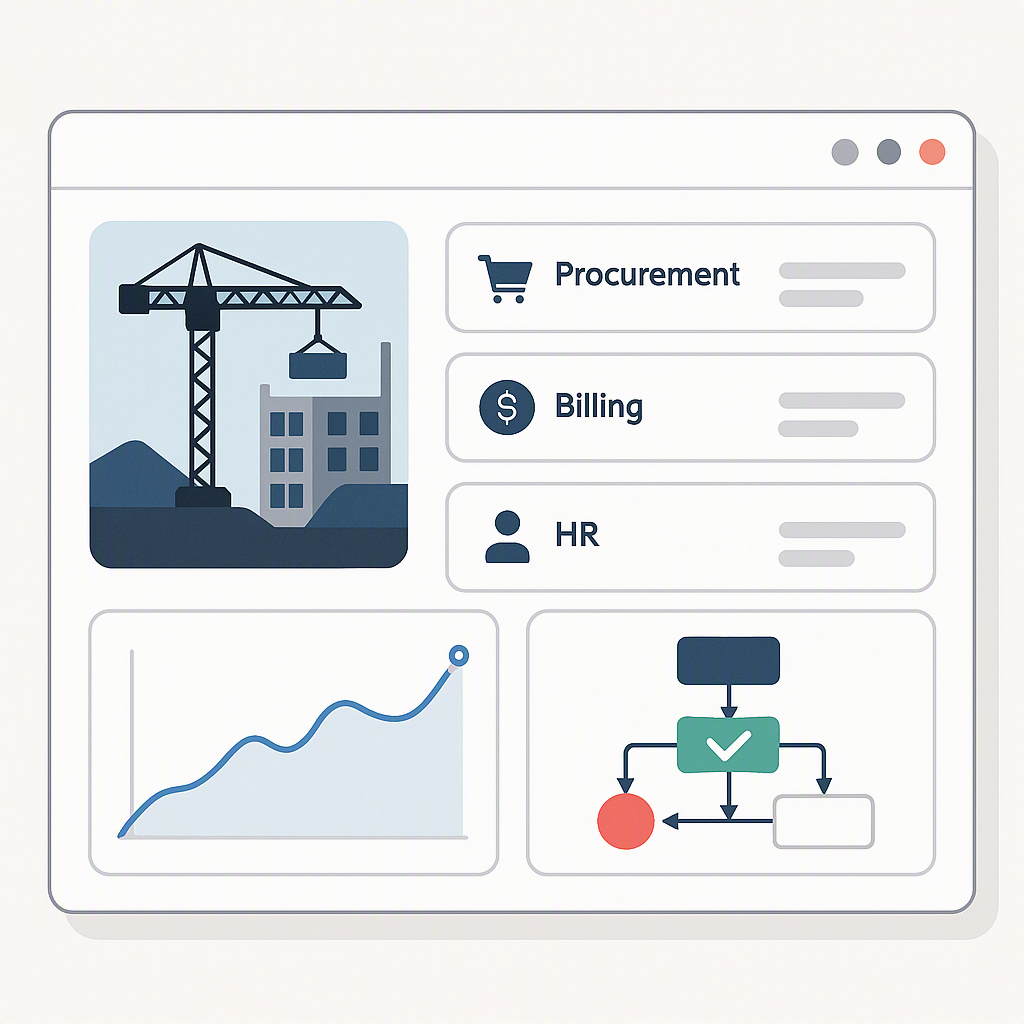
Spreadsheets don’t "talk" to your other tools—billing, procurement, or HR systems. Teams are left manually reconciling numbers across platforms, leading to inefficiencies and potential errors. For example, if procurement costs don’t align with project budgets, it can result in unflagged cost overruns.
Actionable Step: Adopt software that integrates with your existing tools. For example, many enterprise systems integrate with accounting software like Tally or platforms like Razorpay-X. This centralizes your data and eliminates silos.
What Changed My Mind
Enterprise software solutions offer features that fundamentally change how contractors track and manage costs. They provide more than just a digital ledger—they give you real-time insights and proactive control over your budget. Here’s how:
1. Cost vs. Budget Tracking
Every material requisition, subcontractor payment, and equipment hire can be validated against the approved budget. This allows you to track where you stand at all times.
Example Method: Set up cost centers for each BOQ (Bill of Quantities) line item. This ensures that every expense is tied to a specific budgeted scope, making it easier to identify and address overruns.
2. Alerts on Margin Erosion
Enterprise software can notify managers the moment project costs approach critical thresholds. For example, if a subcontractor exceeds their allocated budget by 5%, the system can send an alert to the project manager and finance team. No more nasty surprises at the end of the project.
3. Integrated Billing
Billing gaps are a major source of lost revenue. Enterprise systems support multiple billing methods, such as running-account (RA) bills and stage-wise billing. This ensures that no work goes unbilled.
Actionable Step: Map out your billing milestones upfront and use automated triggers to issue invoices as soon as work is completed. This reduces delays and improves cash flow.
Why the Old Belief Persisted
If spreadsheets are so flawed, why do so many contractors still rely on them? The answer lies in familiarity, cost perceptions, and resistance to change.
1. Familiarity
Spreadsheets are intuitive and low-barrier. Teams already know how to use them, so there’s no need for training.
2. Cost Perceptions
Enterprise software often carries a hefty upfront price tag. For contractors operating on slim margins, the idea of investing in a new system can feel risky.
Counterpoint: The initial investment is offset by the long-term benefits—reduced errors, better cost control, and improved profitability. As the saying goes, "You can’t afford to be penny-wise and pound-foolish."
3. Resistance to Change
People naturally resist change, especially when it disrupts established workflows. This is a common barrier to adoption.
Actionable Step: Start with a pilot project. Implement the new system on one or two projects to demonstrate its effectiveness. Once teams see the benefits, scaling becomes easier.
What We Do Differently Now
When onboarding contractors to enterprise software, the focus is on creating workflows that align with their specific needs. Here’s how:
1. Define the BOQ Scope
Break down every project into detailed scopes and WBS (Work Breakdown Structure) items. This lays the foundation for cost tracking.
2. Automate Cost Validation
Link every material purchase, subcontractor cost, and equipment hire directly to its corresponding BOQ line item. This ensures that costs are always tied to a specific budget.
3. Enable Real-Time Reporting
Dashboards provide a bird’s-eye view of cost vs. budget at multiple levels—scope, project, and portfolio. This allows managers to make quick, informed decisions.
4. Train the Team
Training is critical. Teams need to understand how to use the software effectively, from data entry to running reports.
Actionable Step: Schedule regular training and create a library of how-to guides and video tutorials. This ensures that teams can refer back to resources as needed.
What We’re Still Figuring Out
No system is perfect. Here are some challenges we’re still working through:
- Adoption Resistance: Getting teams to fully transition from old workflows to new systems takes time.
- Underutilized Features: Many contractors don’t use the full capabilities of their enterprise software. For example, some fail to integrate their procurement or HR systems.
- AI-Driven Insights: We’re exploring how AI can predict cost overruns by analyzing historical trends. This could further improve project profitability.
FAQ: Common Questions About Real-Time Cost Tracking
Q: Is real-time cost tracking only for large contractors?
A: Not at all. Small and mid-size contractors benefit just as much, especially when managing multiple projects. Real-time tracking allows them to stay competitive and prevent small issues from snowballing into costly problems.
Q: How long does it take to implement a system like this?
A: Timelines vary based on the complexity of your operations. A small contractor might implement the system in 1-2 months, while larger operations could take 3-6 months.
Q: Can it integrate with my existing accounting software?
A: Yes, most enterprise software integrates with popular platforms like Tally, QuickBooks, or Razorpay-X. This ensures seamless financial workflows.
Q: What’s the ROI on adopting enterprise software?
A: While it depends on your business, many contractors recover their investment through reduced errors, fewer missed billings, and better cost control. For example, avoiding even one major cost overrun can often justify the expense.
Q: How do I handle resistance from my team?
A: Start small. Pilot the system on one or two projects and use those results to demonstrate its value. Involve key team members early in the process to build buy-in.
The Bottom Line
If you’re still relying on spreadsheets to track project costs, you’re leaving money on the table. Real-time tracking through enterprise software isn’t just smarter—it’s essential for staying competitive in today’s market. The shift may require investment and effort, but the payoff is worth it: fewer errors, better margins, and improved project outcomes.
Learn more at JobNext.ai - Construction ERP