The Problem: Poor Cost Tracking in Construction
For years, margin erosion in construction seemed like an unavoidable reality. Materials fluctuated in price, subcontractors exceeded budgets, and labor costs crept up. It felt inevitable. Contractors would win a project, work through the BOQ (Bill of Quantities), and hope the final billing covered their costs. If lucky, they’d achieve a small profit.
However, external factors like market volatility aren’t the only culprits eating into margins. Internal inefficiencies, such as disconnected spreadsheets, manual workflows, and constant rework due to missing or incorrect data, often compound the problem. Without a clear view of the numbers, small oversights snowball into costly issues. By the time these problems are detected, they’ve already caused significant damage.
Why Old Beliefs Persisted
Many contractors stick to outdated methods of cost tracking, such as spreadsheets or pen-and-paper workflows, for a simple reason: familiarity. Spreadsheets are easy to use, flexible, and require minimal training. They allow quick adjustments, and for small projects, they seem sufficient. Unfortunately, speed doesn’t equal accuracy, and when managing multiple projects, spreadsheets can quickly become cumbersome and error-prone. A single misplaced formula or overlooked value can create a domino effect of mistakes that spiral out of control.
Another obstacle to modernizing operations is the perception that enterprise software solutions are overly complex, expensive, or difficult to implement. Contractors often assume these systems require a dedicated IT department or extensive training to operate. However, this is no longer the case. Modern enterprise software is designed with user-friendliness in mind and tailored to meet the unique needs of contractors. These systems can simplify workflows, reduce manual effort, and integrate seamlessly into existing operations, even for those with limited technical expertise.
How Enterprise Software Solutions Help
Enterprise software solutions streamline cost tracking and project management by integrating structured workflows and automating repetitive tasks. These platforms provide a centralized hub for tracking and managing budgets, procurement, labor costs, and compliance requirements. Let’s break down how they can help:
Budget Integration with BOQs
BOQs can be uploaded into the system, enabling contractors to tie each scope of work to its budget estimate. This makes it easier to monitor whether costs are aligned with projections. By associating specific materials, labor, and subcontractor expenses with individual BOQ items, the software prevents discrepancies from going unnoticed.
Real-Time Budget Validation
Every material purchase or subcontractor expense can be validated against the approved budget. For example, if a procurement team attempts to order materials that exceed the allocated budget, the system will automatically flag the discrepancy. This ensures that budget overruns are identified before they become unmanageable.
Automated Workflows
Tasks like invoicing, compliance calculations (e.g., GST or TDS), and approval processes can be automated, reducing the risk of human error while speeding up operations. For example, invoices can be automatically generated based on completed milestones, while tax deductions are calculated without manual intervention.
Data Consolidation
Instead of juggling multiple spreadsheets, email threads, and paper records, enterprise software centralizes all project data in one place. This ensures consistency and accessibility for all stakeholders. Whether it’s tracking procurement details, labor hours, or compliance documents, having everything in one system eliminates the risk of lost or duplicated information.
Actionable Steps to Implement Enterprise Software
1. Start with One Pain Point
Identify the biggest bottleneck in your current cost tracking process. For instance, if delayed invoicing is costing you revenue, begin with a solution that automates billing. This focused approach allows you to tackle the most pressing issues first, preventing overwhelm and ensuring immediate impact.
2. Select a User-Friendly Platform
Choose software specifically designed for construction, such as JobNext. Look for features like BOQ integration, budget validation, and compliance automation. Prioritize platforms that offer intuitive dashboards and workflows to minimize the learning curve.
3. Adopt Modular Implementation
Avoid overwhelming your team by implementing the software in phases. Start with core features like procurement or cost tracking, and gradually expand to advanced functionality such as analytics and compliance automation. This incremental approach ensures that your team adapts smoothly.
4. Train Your Team
Even the most intuitive software requires basic training. Make sure your team understands how to use key features and troubleshoot common issues. Provide hands-on practice sessions and easy-to-reference guides to boost confidence and adoption.
5. Monitor Results
Use built-in analytics tools to track how the software is improving your workflows. Adjust processes as needed to maximize efficiency. For example, if labor costs are still exceeding projections, investigate whether additional data points or automation tweaks could help.
Benefits of Structured Cost Tracking
Adopting structured cost tracking workflows through enterprise software offers several advantages:
1. Real-Time Visibility
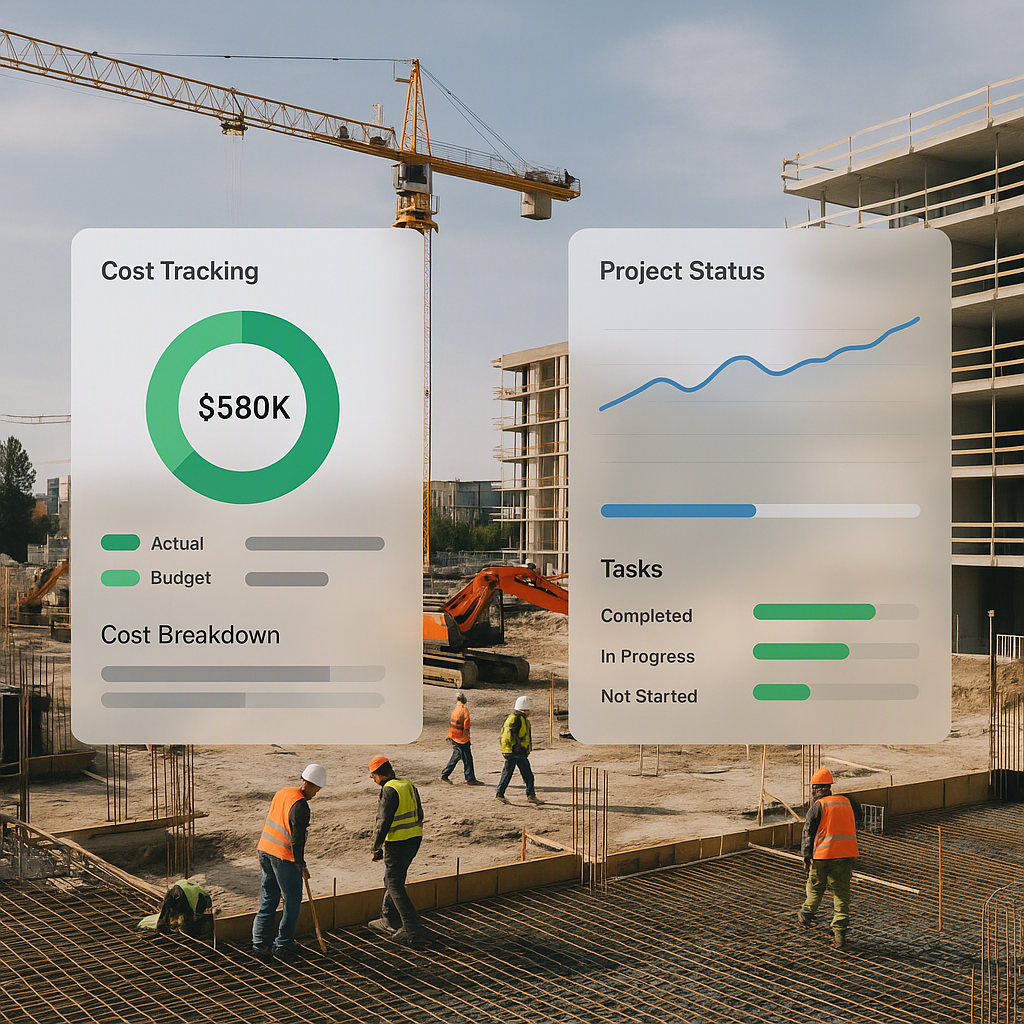
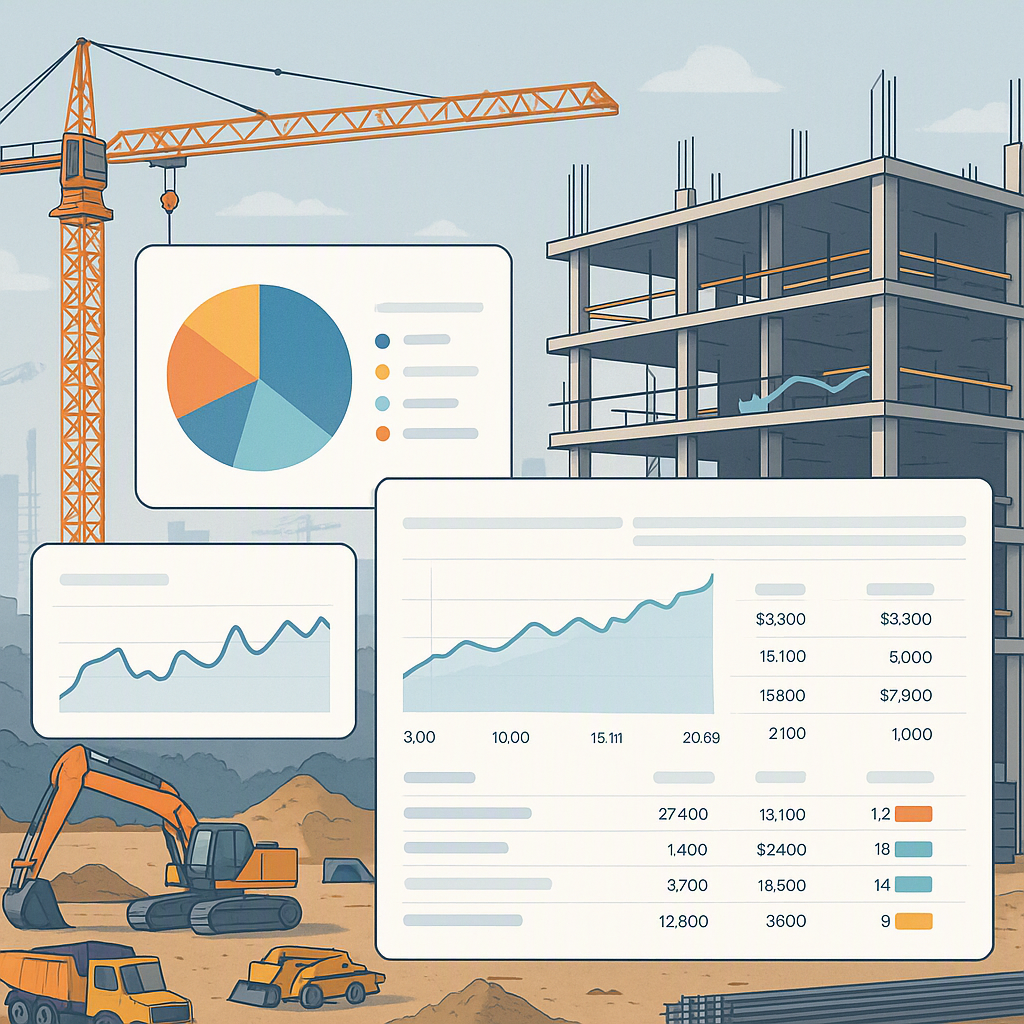
With instant access to project data, contractors can monitor budgets, spot discrepancies, and address issues before they escalate into crises. For example, a dashboard might show that a specific subcontractor’s expenses are trending above budget, allowing managers to intervene promptly.
2. Improved Accuracy
Automated workflows reduce the risk of human error, ensuring budgets and compliance requirements are met consistently. This accuracy translates to fewer surprises when reconciling costs at the end of a project.
3. Enhanced Decision-Making
Detailed reports and analytics provide actionable insights into project performance, helping contractors make data-driven decisions about resource allocation and adjustments. For instance, analytics might reveal that certain types of materials consistently exceed budget estimates, prompting a reevaluation of procurement strategies.
4. Compliance Automation
Enterprise software can handle tax calculations, statutory deductions, and reporting requirements (e.g., GST, TDS), reducing the risk of penalties and administrative burdens. Automated compliance workflows ensure that every transaction aligns with regulatory standards without manual intervention.
5. Scalability
Unlike spreadsheets, enterprise solutions are built to handle the complexity of managing multiple projects, making them adaptable as your business grows. Features like multi-project dashboards and role-based access controls let you scale operations without losing visibility.
Common Mistakes in Cost Tracking
Even with the best intentions, many contractors fall into common pitfalls when tracking costs. Here’s how to avoid them:
Over-Relying on Spreadsheets
Spreadsheets may work for small projects, but they don’t scale well. As data grows, they become harder to manage and prone to errors. Transitioning to a centralized system can save time and reduce mistakes.
Ignoring BOQ-Level Details
High-level budgets often mask specific issues. For example, a project may appear on track overall, but certain scopes may be exceeding their allocated budgets. Tracking costs at the BOQ and scope level ensures no detail is overlooked.
Skipping Budget Validation
Every purchase should be checked against the project budget. Manual checks are slow and error-prone, but automated systems can flag discrepancies instantly.
Delaying Invoicing
Revenue leakage often occurs when completed work isn’t invoiced promptly. Structured workflows ensure all work is billed on time.
Underestimating Compliance Risks
Tax and statutory requirements must be managed accurately. Failure to do so can result in penalties that erode profits.
Decision Framework: Spreadsheets vs. Enterprise Software
| Feature | Spreadsheets | Enterprise Software |
|---|---|---|
| Scalability | Limited | High |
| Error Rate | High | Low (due to automation) |
| Real-Time Visibility | Absent | Available |
| Budget Validation | Manual | Automated |
| Compliance Management | Manual and error-prone | Automated and reliable |
| Ease of Collaboration | Difficult | Seamless |
| Implementation Complexity | None | Varies, but increasingly user-friendly |
Learn more at JobNext.ai - Construction ERP