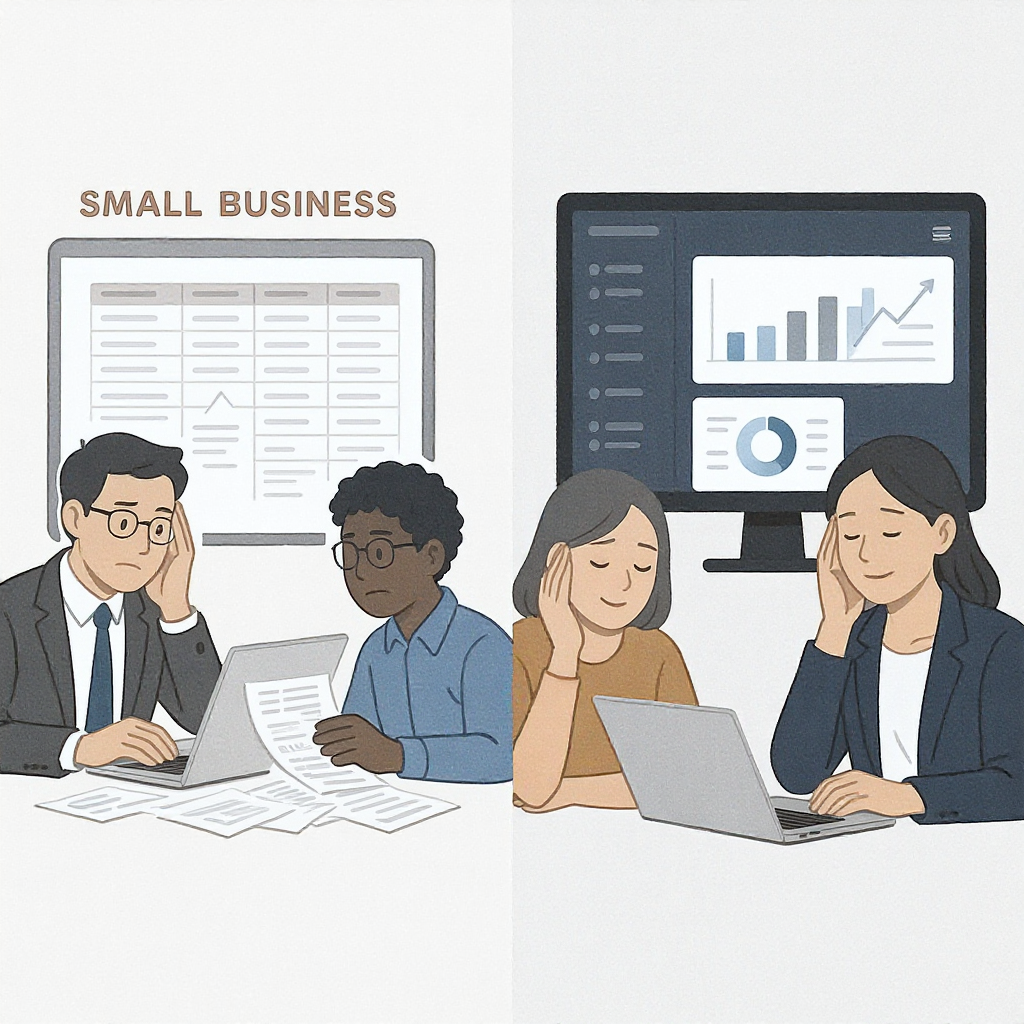
Why Spreadsheets Are Holding You Back
Every SMB starts with spreadsheets. They're cheap, flexible, and most people already know how to use them. But at a certain point, they become a liability — not a tool. Why? Because they don’t scale.
Imagine you've got three key employees managing operations, finances, and customer data. Each of them has their own set of spreadsheets. When something changes — a client cancels, a vendor updates pricing — how do you sync that across all three? The answer: lots of emails, manual fixes, and wasted time.
The bigger you grow, the worse this problem gets. One missed update can snowball into overbilling a client or underpaying a vendor. That’s not just embarrassing — it’s potentially costly.
Why SaaS Is the Next Logical Step
SaaS (software-as-a-service) systems solve this by centralizing data. Instead of three spreadsheets floating around, you get one source of truth. Everyone sees the same data, updated in real time. It’s not magic; it’s just a better way to work.
Take ERP software like JobNext. It’s built for industries like construction, where staying on top of budgets, timelines, and labor is critical. The blog post explains how their ERP helps avoid common pitfalls during implementation — such as underestimating team training needs or overloading the system with unnecessary features. For SMBs, the lesson is clear: start simple and focus on what solves your biggest headaches.
Choosing the Right SaaS Platform
Not every platform is right for every business. Before you buy, ask:
- Is it industry-specific? Generic tools rarely work well for specialized needs. A construction ERP will handle subcontractor management better than a generic accounting tool.
- What’s the onboarding process? A good vendor offers training and support. If they don’t, you’re setting your team up for frustration.
- Does it integrate with what you already use? If your payroll system can’t talk to the new software, you’re creating more work, not less.
You might be wondering: “Why can’t we stick with spreadsheets a little longer?” Fair question. But the real cost isn’t just the license fee. It’s the hours your team spends fixing errors, chasing updates, or rebuilding data after an accidental overwrite.
Start Small — But Start
Here’s the mistake we see too often: SMBs wait until their operations are bursting at the seams before they invest in software. By then, implementation is harder because you’re already juggling too much.
Instead, pick one process to automate first. Maybe it’s invoicing. Maybe it’s inventory management. Get the team comfortable with the new system, and scale from there. ERP Implementation for Contractors outlines a phased approach that works for construction firms — and the logic applies to SMBs in other industries too.
The Payoff
If done right, SaaS doesn’t just save time. It gives you better visibility into your business. You’ll spot trends faster, catch problems earlier, and make decisions based on actual data — not guesswork.
Still skeptical? Look at the numbers. According to Gartner, 70% of ERP projects fail to meet their goals, but the ones that succeed save businesses 20–30% in operational costs. That’s not pocket change for an SMB.
Final Thoughts
Switching from spreadsheets to SaaS isn’t about jumping on a tech trend. It’s about building a foundation that scales with you. If your team is drowning in manual processes, it’s time to make the leap. Start small, focus on what matters, and watch the chaos fade away.
Learn more at JobNext.ai - Construction ERP